
Create VETRO account
VETROB Dashboard
To access the VETRO dashboard visit the following url: https://vetro.io/
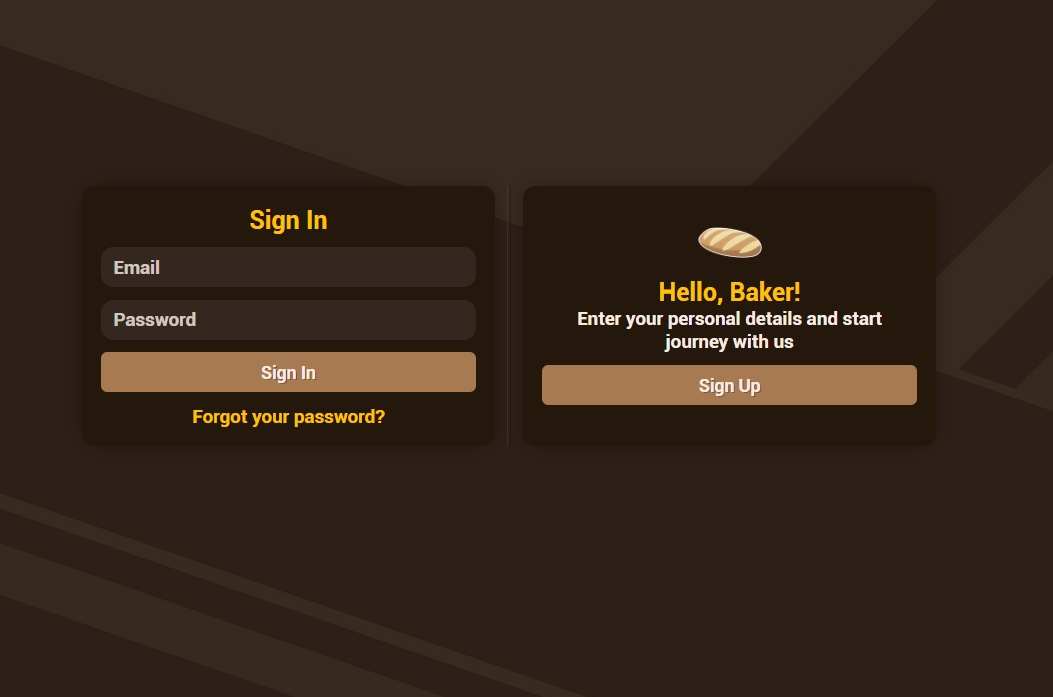
Create an account
To create an account click on the "Sign Up" button, insert the required informations and complete the procedure by submitting the verification code you'll receive by email.
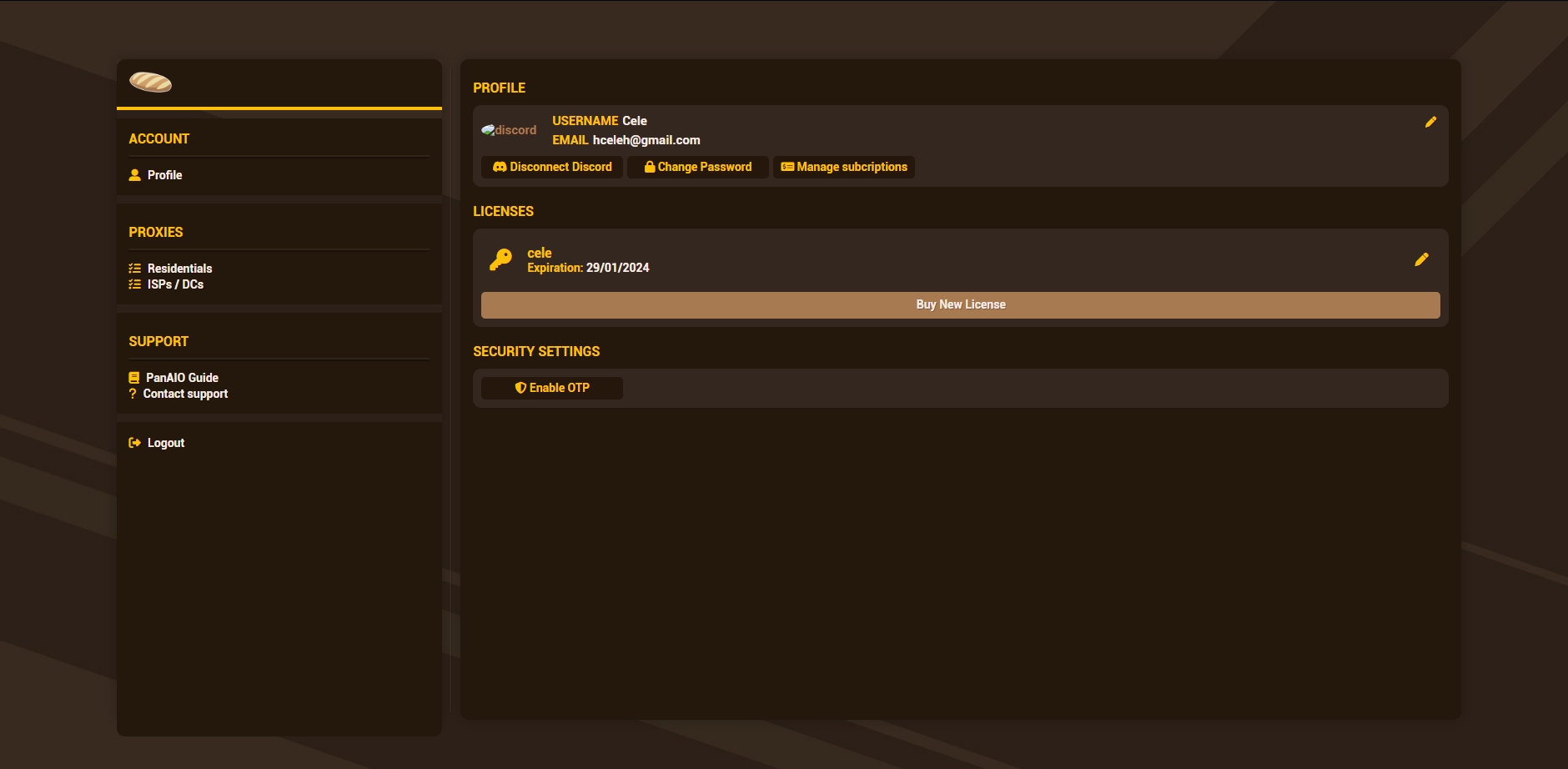
Once you are in set your billing details and the credit card infos (Payments will be automatically charged on the card at each renewal).
To bind your VETRO account to your discord account click on the "Connect to Discord" button.
Add a key to the account
To add a new key to your account press "Buy New License"

Last updated